Select facial features
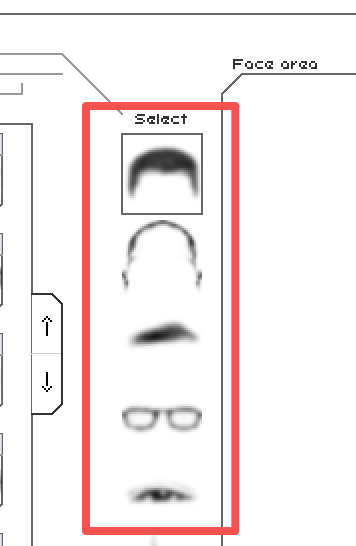
Choose a feature category from the left sidebar, such as hair, eyes, nose, mouth, glasses, or beard. Browse the available items and select one to add it to the face area on the right for an instant preview.
Built for Content Creators, Storytellers, Investigators, OC designers, Illustrators,
with
376 facial features to create any face.
Right in your browser, no AI, no install.

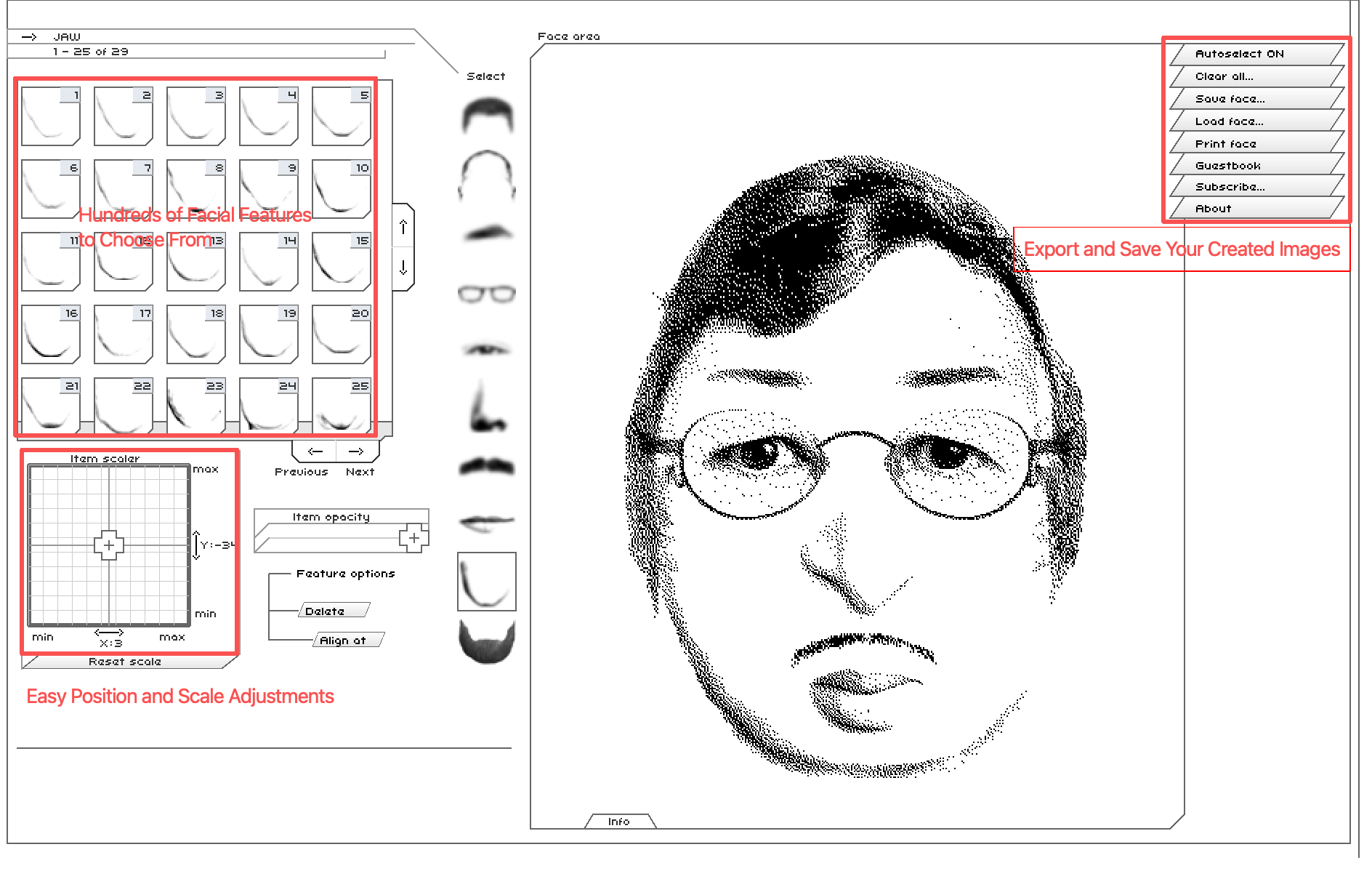
To create a detailed sketch or reconstruct a specific face from memory, learn how the interactive Flash Face Full workspace fits together. Its drawing, scaling, and file controls are kept on one screen.
Choose a feature category from the left sidebar, such as hair, eyes, nose, mouth, glasses, or beard. Browse the available items and select one to add it to the face area on the right for an instant preview.
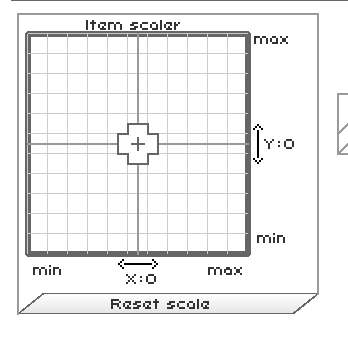
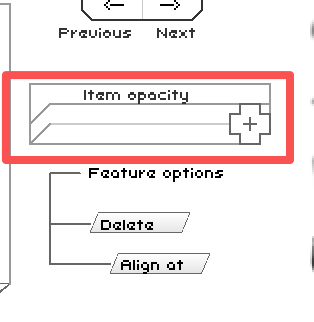
Refine the selected item directly in the face area by moving it into place. Use the Item Scaler and Item Opacity controls in the lower-left panel to fine-tune proportions, depth, and blending.
When the portrait looks right, use Download to save the finished face as an image. Share your result with the Share button, or open fullscreen to review the final details first.
The Flash Face Full interface works like an all-in-one dashboard: choose a feature, select an item, adjust it, and see the result appear on the central portrait canvas in real time.
What it is: The left-side starting point for building a face, with the core facial feature categories.
Included features: Beard, eyebrows, eyes, glasses, hair, head, jaw, moustache, mouth, and nose.
How to use it: Select a category to open its own library of feature items.
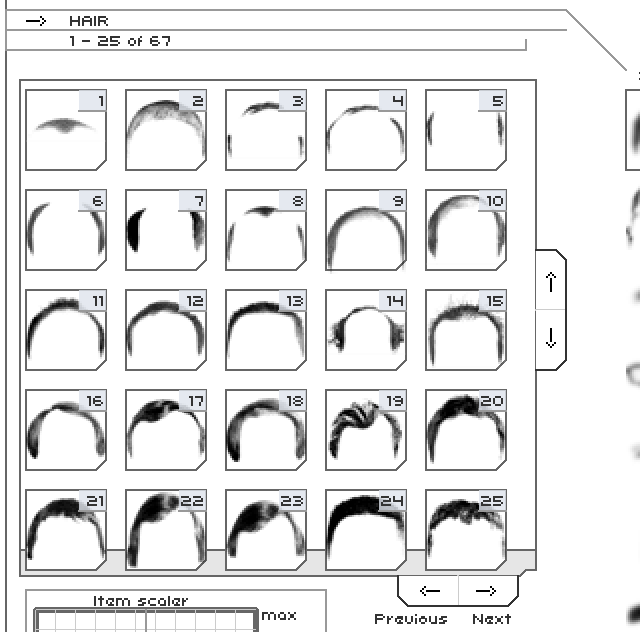
What it is: The gallery beside the sidebar that displays the available styles for the currently selected feature category.
How to use it: Browse the available items, use the Previous and Next arrows to change asset pages, then select an item to apply it to the portrait.
What it is: The precision control panel for changing the shape of the selected facial item, using a coordinate grid and movable crosshair.
How to use it: Drag the crosshair horizontally or vertically to stretch, widen, flatten, or shrink the active feature. Select Reset Scaler to restore its default proportions.
What it is: A slider that controls the transparency of the active feature. Some versions call this setting Capacity; in modern design tools it is commonly called Opacity.
How to use it: Move the slider left or right to blend subtle details, such as wrinkles, light stubble, or soft eyebrows, into the finished face.
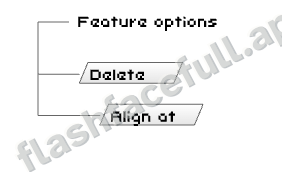
What it is: A small panel at the bottom-left of the workspace that provides quick actions for the currently selected item.
How to use it: Click any item on the canvas to select it, then use the Delete button in Feature Options to remove it from the face.
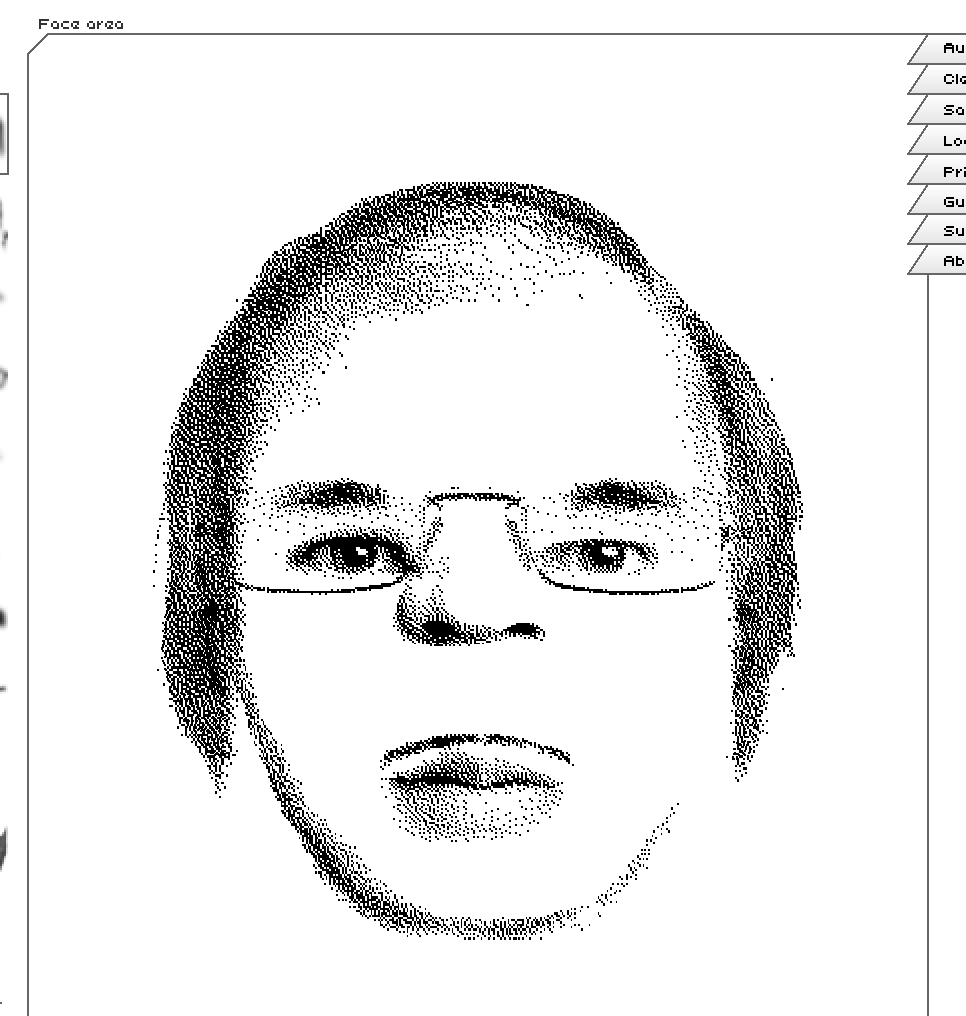
What it is: The central canvas where the portrait is rendered as you work.
How to use it: Every selected and adjusted feature layers onto this preview area immediately. When all components are in place, it shows the completed face sketch.
Mouse positioning: You can drag the selected item directly with your mouse to adjust its position on the face. This lets you place each feature exactly where it belongs.
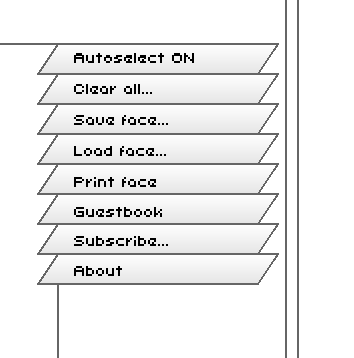
What it is: The right-side toolbar for managing a Flash Face Full sketch and its saved file state.
Included controls: Auto save select, Clear all, Save face, Undo. Auto save select applies the first item in a category automatically; the other controls let you clear, store, undo
Share: Create a shareable link to the portrait you made. Anyone who opens the link can see the exact face you created and explore it in Flash Face Full.
Full screen: Expand the workspace for a more comfortable, immersive editing experience. Full screen is especially useful on phones, and rotating your device to landscape gives you more room to build and review every detail.
Ultimate Flash Face Full is an online face-building game and police sketch generator. Instead of drawing from scratch, you assemble a face from ready-made facial parts, then fine-tune the position, size, and expression until the portrait closely matches your vision.
Many players also search for this classic tool as flashface, FlashFace Full, or Play Flash Face Full Online. To give you the best experience, this page keeps the playable Flash Face Full version right at the top so you can start sketching immediately.
Flash Face Full gives you a visual starting point for any person you need to imagine, describe, or bring to life.
Memory to portrait
Reconstruct a face from memory or a description, then refine the features that make it recognizable.
Useful for visualizing eyewitness details, fictional investigations, and character research.
Concept to cast
Quickly prototype heroes, rivals, NPCs, and a memorable supporting cast before you open an art tool.
Try different traits side by side until a character feels right for your world.
Description to reference
Turn a written description into a visual reference for a protagonist, witness, or background character.
Keep a face in view while you write scenes, develop dialogue, and maintain continuity.
Persona to profile
Build a distinctive persona for a profile, creative project, role-play session, or just for fun.
Mix unexpected features to find a look that feels original, playful, or unmistakably yours.
Build faces with brows, eyes, noses, lips, hair, and other details that make the Flash Face Full sketch feel specific instead of generic.
Move, resize, and layer each feature so your Ultimate Flash Face Full portrait can match a real memory, fictional character, or quick creative idea.
When your flashface portrait is ready, use the in-game save or export tools to keep the image for reference, writing, or sharing.
Get every face part for a one-time $1.90 payment.
$1.90
One-time payment Full Access
Create the portraits you want with far more freedom and control.
Secure checkout via Stripe. One-time payment with no recurring billing or hidden fees. Questions or payment disputes? Email support@flashfacefull.app.
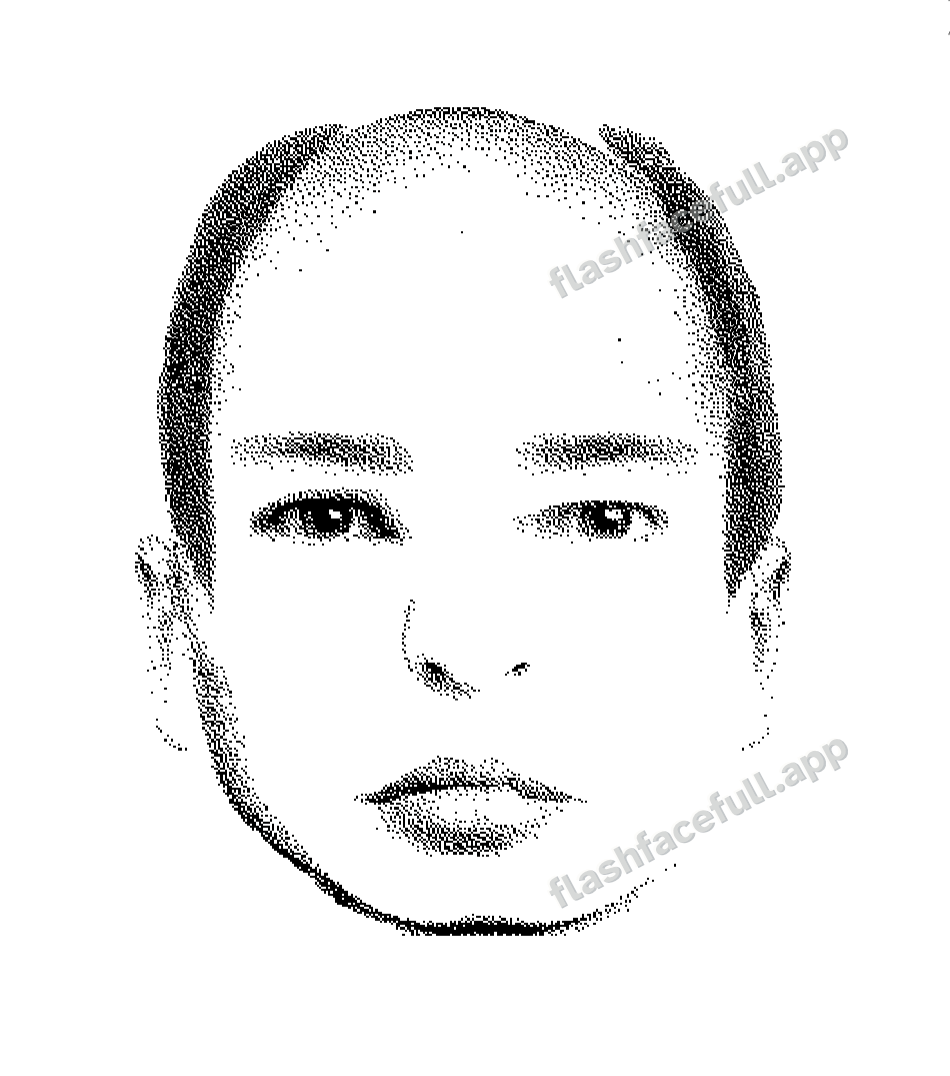

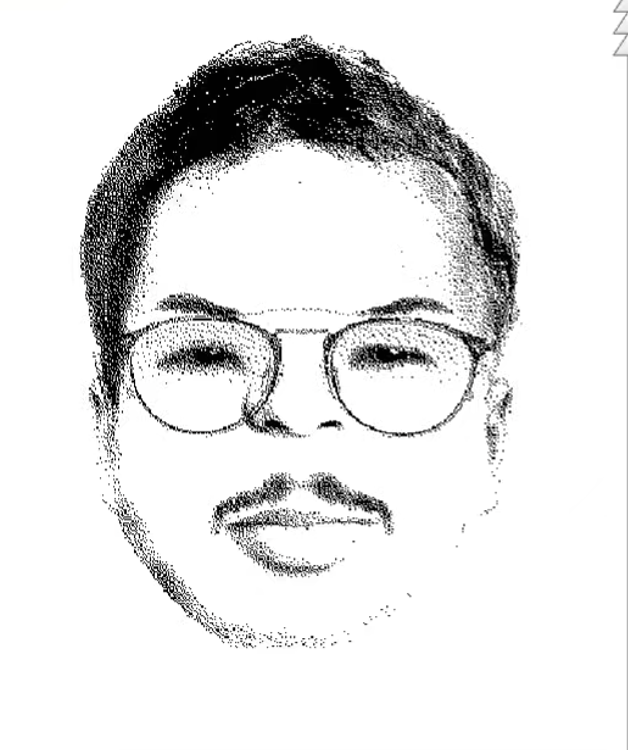
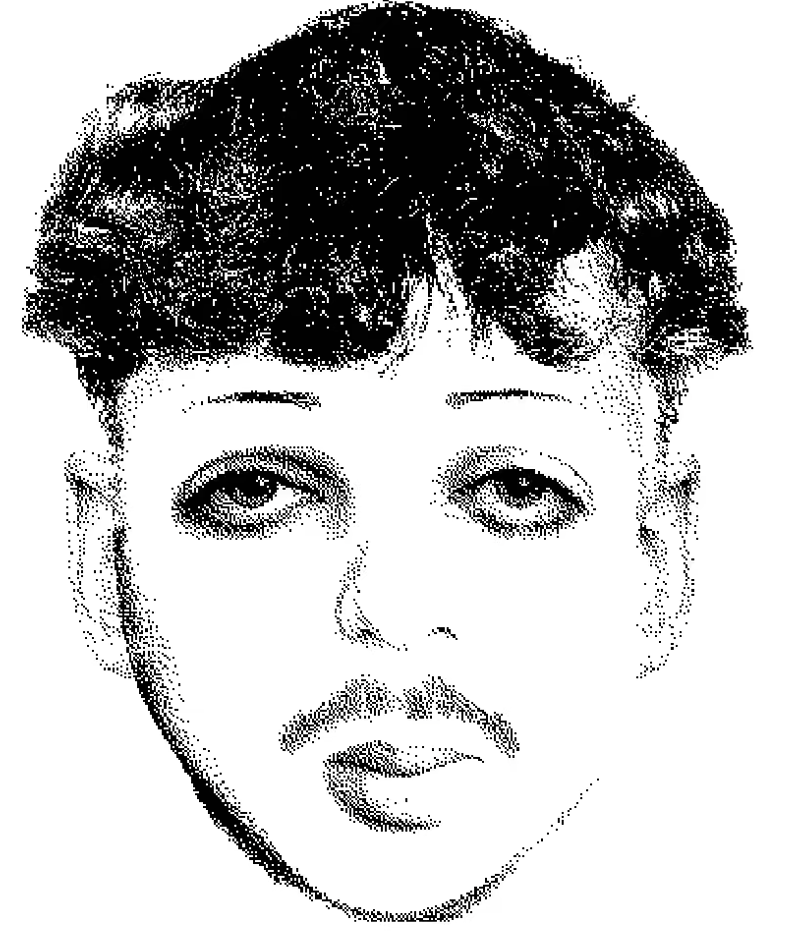
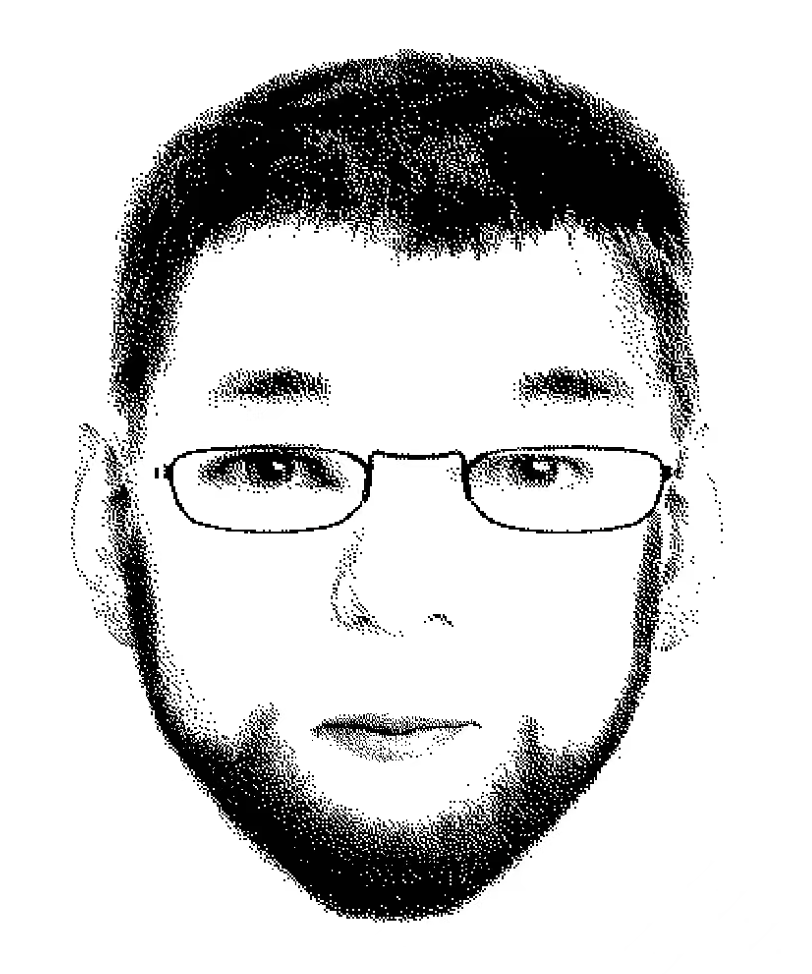
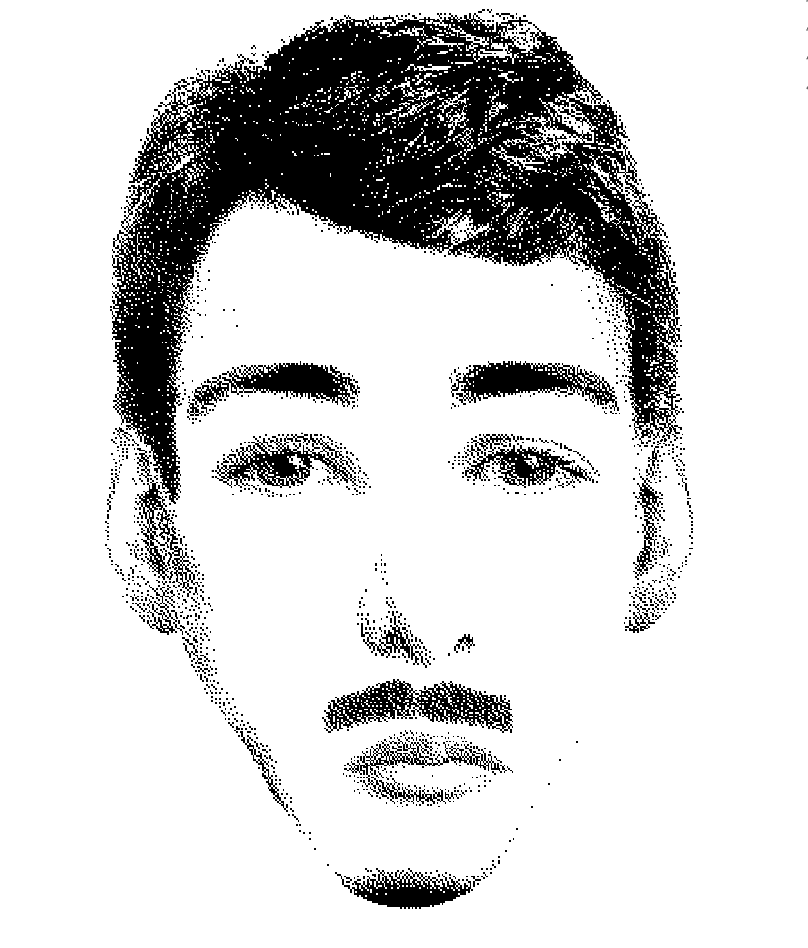
"Perfect for my Forensic Science class. Students turned a fictional witness description into composite sketches in minutes — nothing to install, and it just worked in the school browser."
Jamie T. · Forensic Science Teacher
"The mouse controls surprised me. I could drag every feature into exactly the right place."
Jordan M. · Memory Keeper
"It has the charm of a classic web tool, but the controls are surprisingly precise."
Taylor K. · Casual Player
"I used Flash Face Full to turn a character description into a face I could actually see."
Morgan L. · Creative Hobbyist
"The scaler and opacity controls helped me make small changes without starting over."
Casey D. · Digital Artist
"Simple enough to try immediately, with enough detail to keep refining the portrait."
Riley P. · First-time Player
Yes, for daily classroom and personal use. The game is developed and hosted entirely by us — it is not a third-party embed — and it runs inside your browser over an encrypted HTTPS connection. Nothing is downloaded or installed, your face creations stay on your device and are never uploaded, playing does not require an account, and optional purchases are processed by Stripe so we never see your card details. See our Privacy Policy for the full details.
No. Flash Face Full runs in the embedded browser window, so you can play online without installing extra software.
Use the save or export controls inside Ultimate Flash Face Full if they are available in the embedded game.
Look for the reset, clear, or new face controls inside the Flash Face Full interface to return to a blank canvas.
Yes. This page is built so you can Play Flash Face Full Online immediately from the game frame above.
Yes. You can play Flash Face Full free in a modern browser. The Flash Face Full web version starts directly from the game area on this page.
Yes. Select the feature, then drag it with your mouse inside the Face Preview Area to position it exactly where you want it.
Yes. Use the Item Scaler Panel to adjust the selected item horizontally and vertically until its proportions look right.
Yes. Use the Capacity / Opacity Controller to make the selected item more or less transparent.
Yes. The author plans to add more facial elements over time and continue fixing bugs and improving the current Flash Face Full experience.
Click the item on the canvas to select it, then click the Delete button in the Feature Options panel at the bottom-left corner of the workspace.
Click the Undo button in the toolbar at the top-right corner of the workspace to step back one action at a time.
Every code is valid for one year, and the year starts the first time that code is used — not when you pay. Buy now, hand the codes out whenever the semester starts, and each one still gets its full 12 months. Codes that have never been used never expire.
Yes. Codes are not tied to one person for life — they are reusable. If you teach several classes or run several teams, buy one code per person in your largest group and reuse them with the next group. Three classes of 30 students need 30 codes, not 90 — buy for your biggest class, not for every student you will ever teach.
Yes, and it is applied automatically — no coupon needed. The first 50 codes in a single order are $1.90 each, and every code beyond the 50th is $1. The calculator in the bulk order card shows the exact total before you pay.
Not right now. We recommend keeping the one-year window: it gives students time to review, practice again before an exam, or redo the activity later in the term — that flexibility is the point. If you have a special case, email support@flashfacefull.app and we will see what we can do.
No. Only you, the buyer, sign in with Google to purchase and manage your codes. Students just open a link or enter a code — no sign-up, no email, nothing to install.
Your codes are generated instantly after checkout. The payment confirmation page takes you straight to them, and you can copy or export them any time from your My access codes page.
No. Codes work on any computer and any browser, including shared lab machines and Chromebooks. Nothing is locked to a device, so a code works wherever your students are.
An expired code simply stops unlocking the paid features — the free features keep working as always. If a code expires early or stops working, email support@flashfacefull.app and we will sort it out.
Yes. Order another batch whenever you need one — a single order covers up to 500 codes, and all of your batches live together on your My access codes page.
Have a suggestion, feedback, or a bug to report? Send us an email and help improve Flash Face Full.